> ## Documentation Index
> Fetch the complete documentation index at: https://hexprep.mintlify.site/llms.txt
> Use this file to discover all available pages before exploring further.
# Needs Attention & Checked In
The 'Needs Attention' section is for inventory that requires review. This applies to inventory that was not inbounded by the client.
Failure to correctly inbound inventory will **result in** significant delays. HexPrep **prioritizes** correctly inbounded shipments.
You’ll need to select the inventory and click the **"Convert to Inventory"** button.
 Select the fulfillment method, then enter the ASIN and SKU if required.
 Check the **"Needs Attention"** tab daily to ensure no inventory was missed during inbounding.
# Checked-in
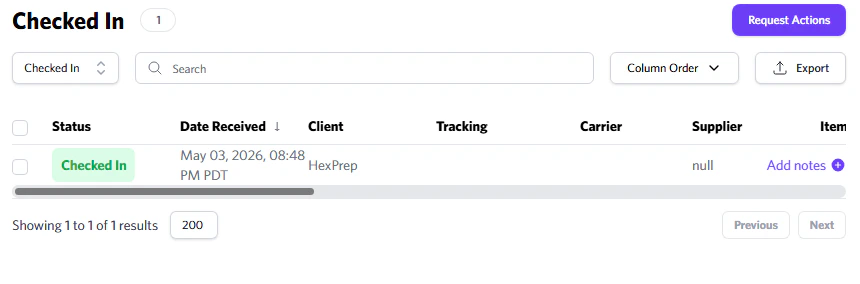
The inventory in this section has been checked in by our team.
Check the **"Needs Attention"** tab daily to ensure no inventory was missed during inbounding.
# Checked-in
The inventory in this section has been checked in by our team.