
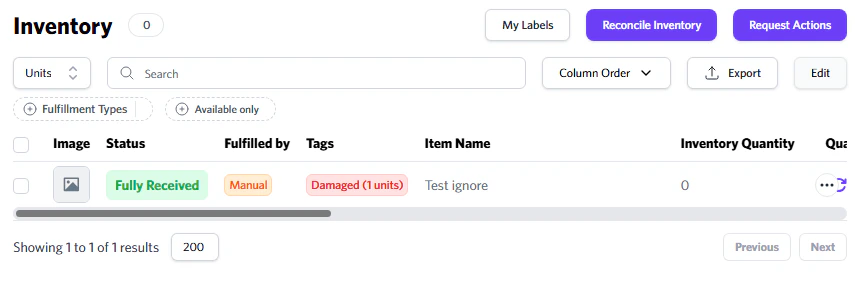
Request Outbound
You can instruct our team to begin shipping out your inventory. This is mainly for clients who have the ‘On Client Request’ option enabled, or for whenever you are ready for us to ship your items.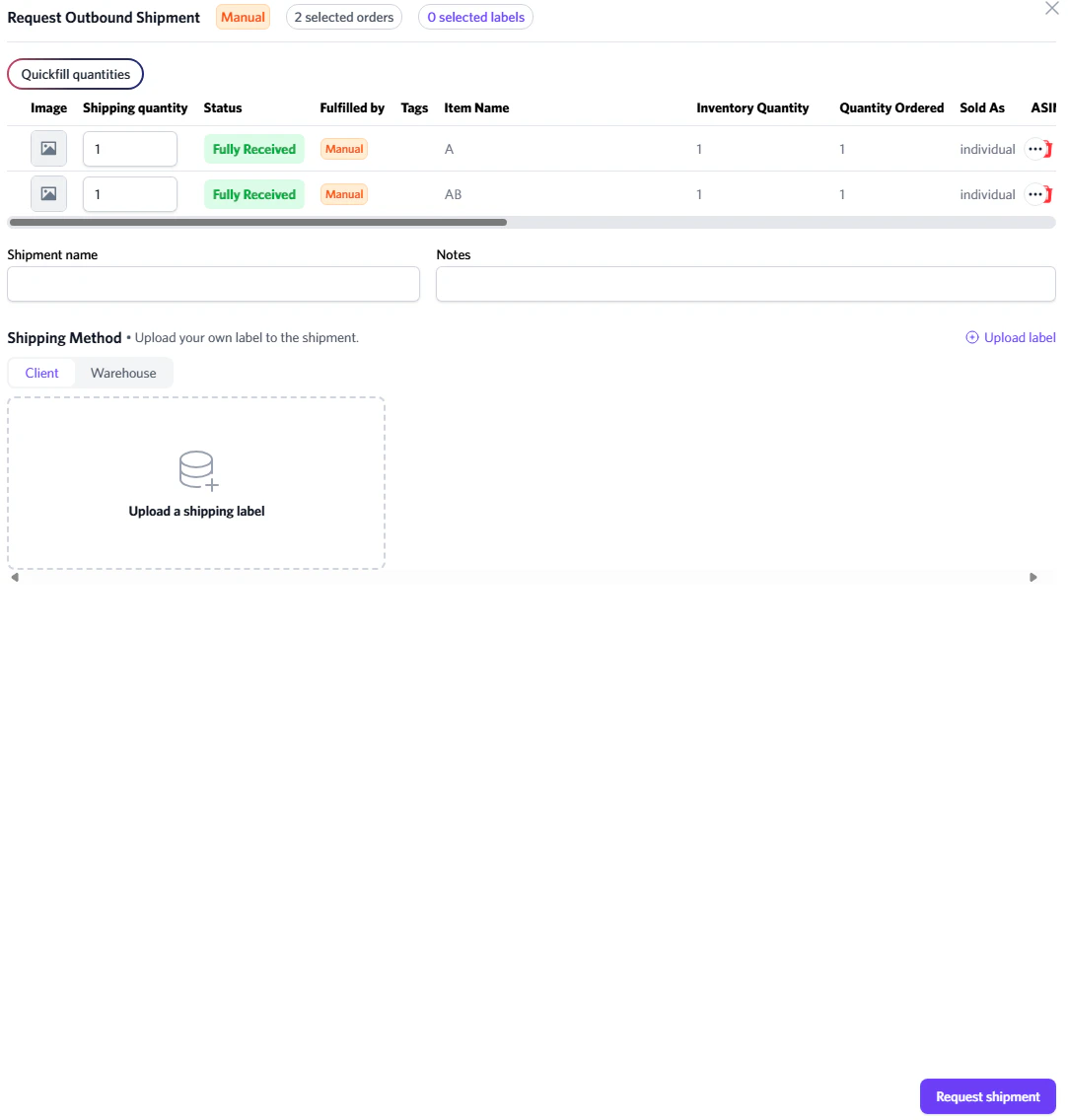
Requesting Optimized Outbound
If you want your shipment to use Optimized Shipping, be sure to include “Optimized Shipping” in the shipment name. If it’s not included, optimized shipping will not be applied.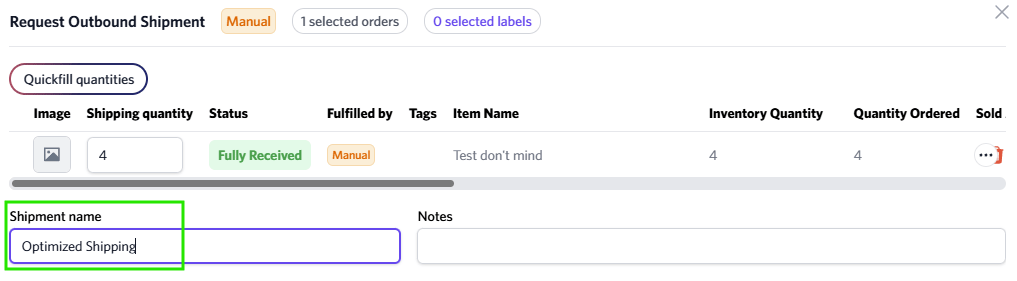
Units must be equal to 5 for optimized shipping.