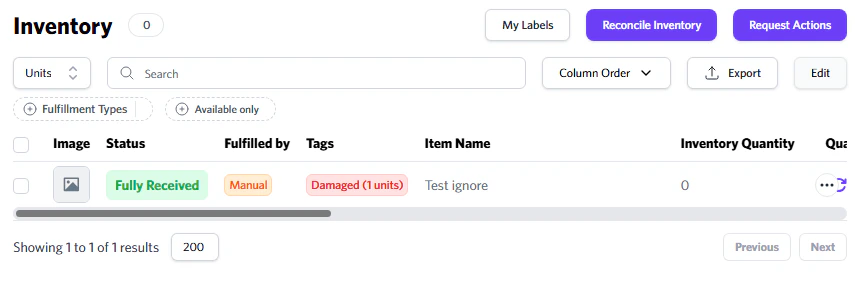
The amount of inventory that is currently checked-in at our warehouse. You can filter out by fulfillment types and view inventory that is damaged by the retailer or carrier.
You can request pictures or disposal using the ‘Request Actions’ button for damaged inventory. You can also select the SKUs you want outbounded and then click ‘Shipment’.
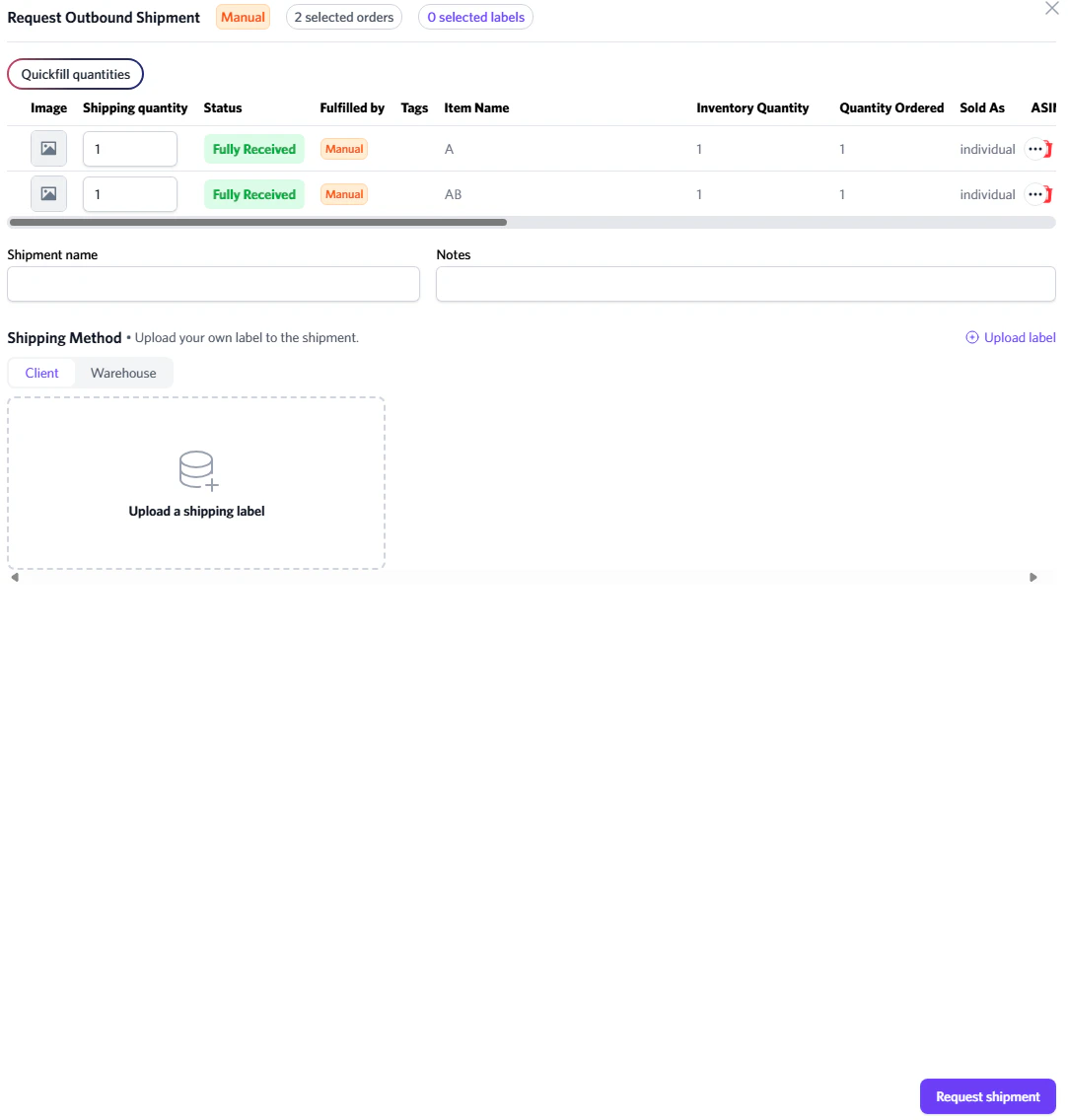
Request Outbound
You can instruct our team to begin shipping out your inventory. This is mainly for clients who have the ‘On Client Request’ option enabled, or for whenever you are ready for us to ship your items.
To avoid our storage fees, ensure you request an outbound before 14 days.